The brand new version of Locus GIS that has just left our dev environment brings a few significant improvements. For the first time in its history, you can add elevation to your work with objects and projects. For better utilization of received GPS data, we added position averaging. And lastly, the whole project can now be exported for further processing or cooperation.
Elevation
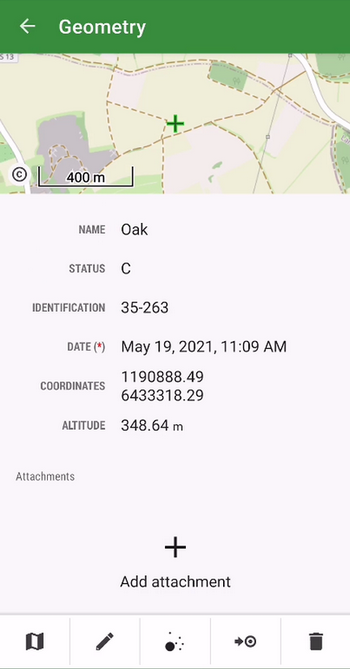
The location of the mapped objects can now be defined by a “third coordinate” – elevation. All new projects now work with this parameter which is either computed from GPS data, can be added manually, or can be added to the items from our global DEM. The elevation values can be also exported to a Shapefile.
Better positioning accuracy
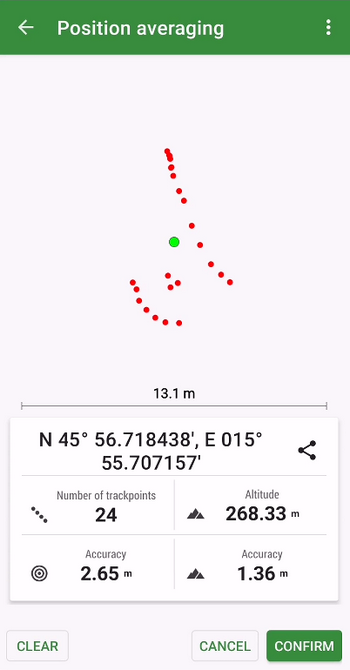
The app can locate objects with enhanced accuracy using position averaging. The device sends a cluster of location data to the app and Locus GIS can calculate the average (the most accurate) location.
Whole project import/export
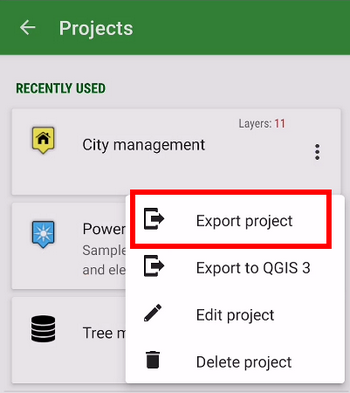
To transfer a whole project easily from one to another device or among more members of one team, we implemented an option to export/import the whole project in a .ZIP file.
We haven’t informed you of what we’ve improved at Locus GIS in recent months. So we’re bringing you a small autumn summary of the most important adjustments that make working with your favorite tool even more efficient.
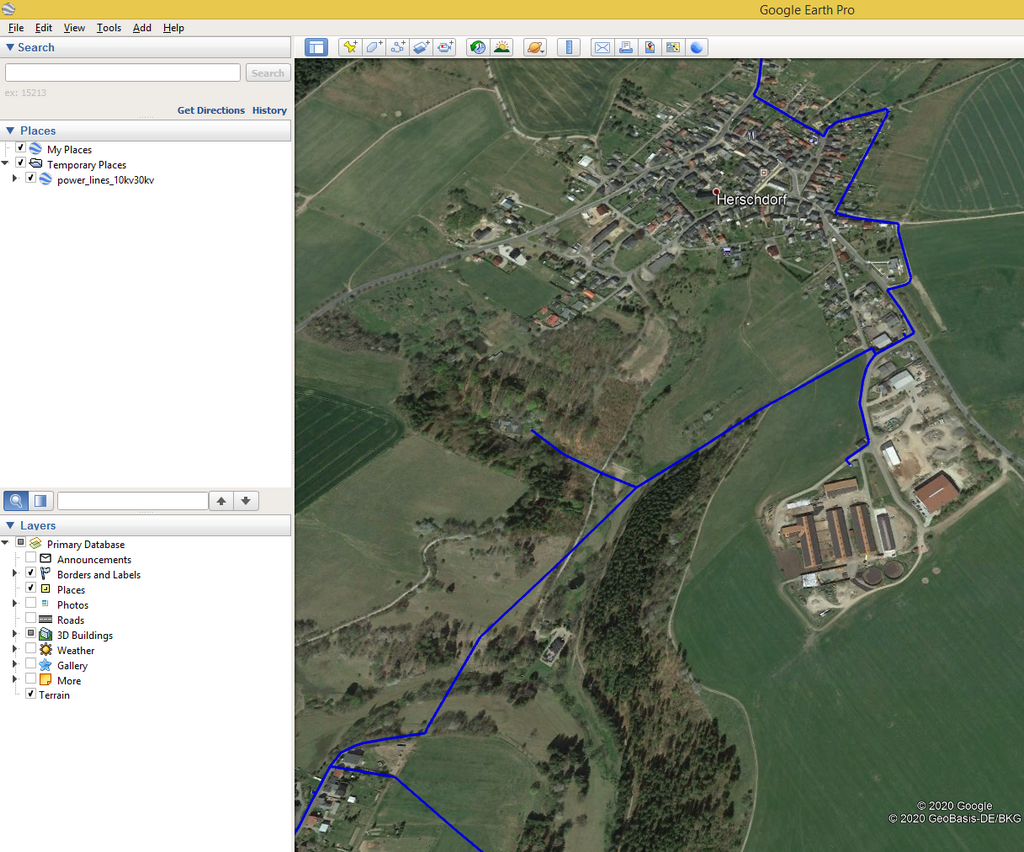
Export measurements from the field to KML
If you use Google Earth or another KML program in your work, you will certainly welcome the ability to export your data to this format. In the new version, you can export both data and attachments.
Faster mapping in the field
We know that the simplest possible workflow is crucial when collecting data in the field. Therefore, we have made several adjustments in the application that will further facilitate your activity:
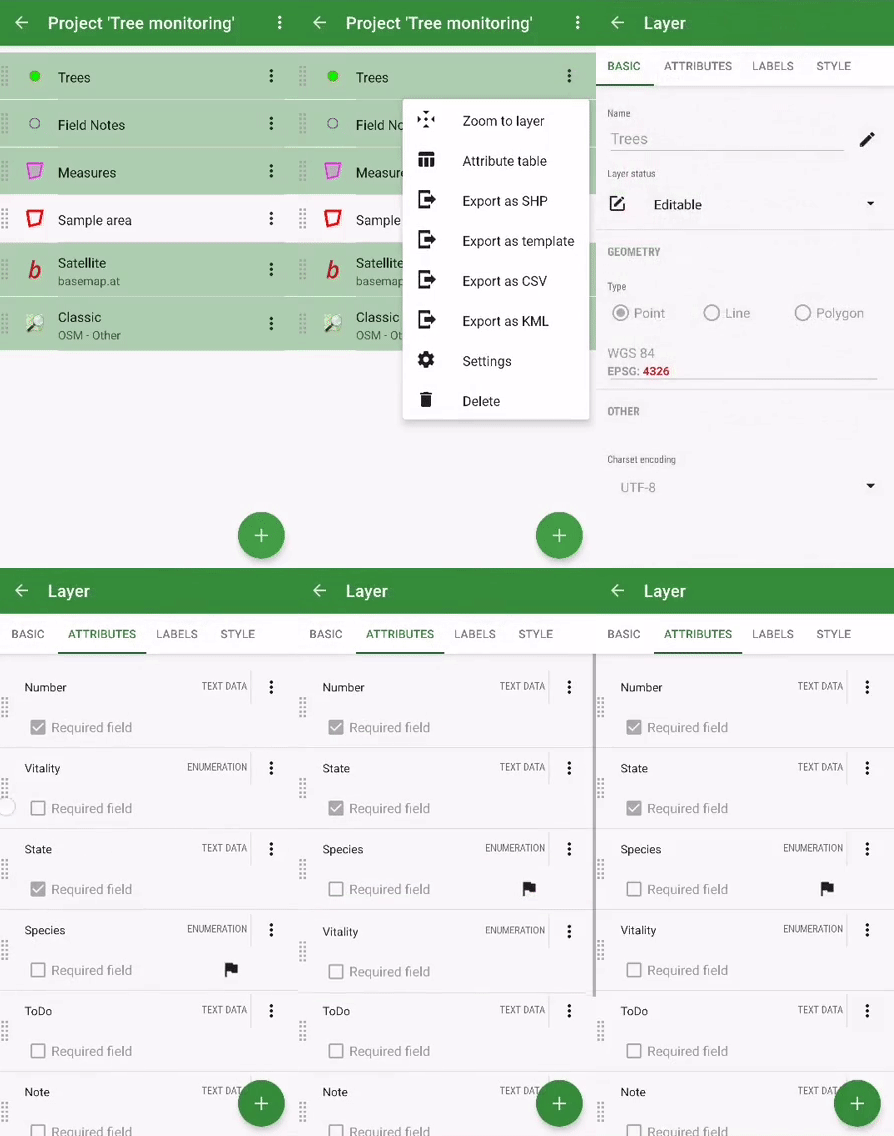
- we added the ability to change the order of attributes in the table. This way you can customize the form with attributes to best suit your needs:
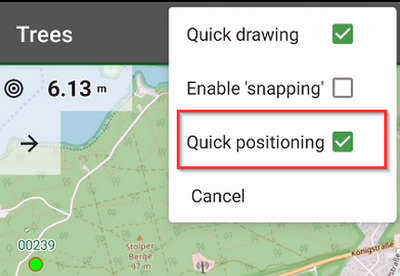
- “quick positioning” – if you are mapping mainly point elements and objects, you may have been delayed in the past by additional confirmation of the position of the point. In the new version, we bring you the choice of position without confirmation – you simply select the position of the point and immediately go to the form for entering attributes
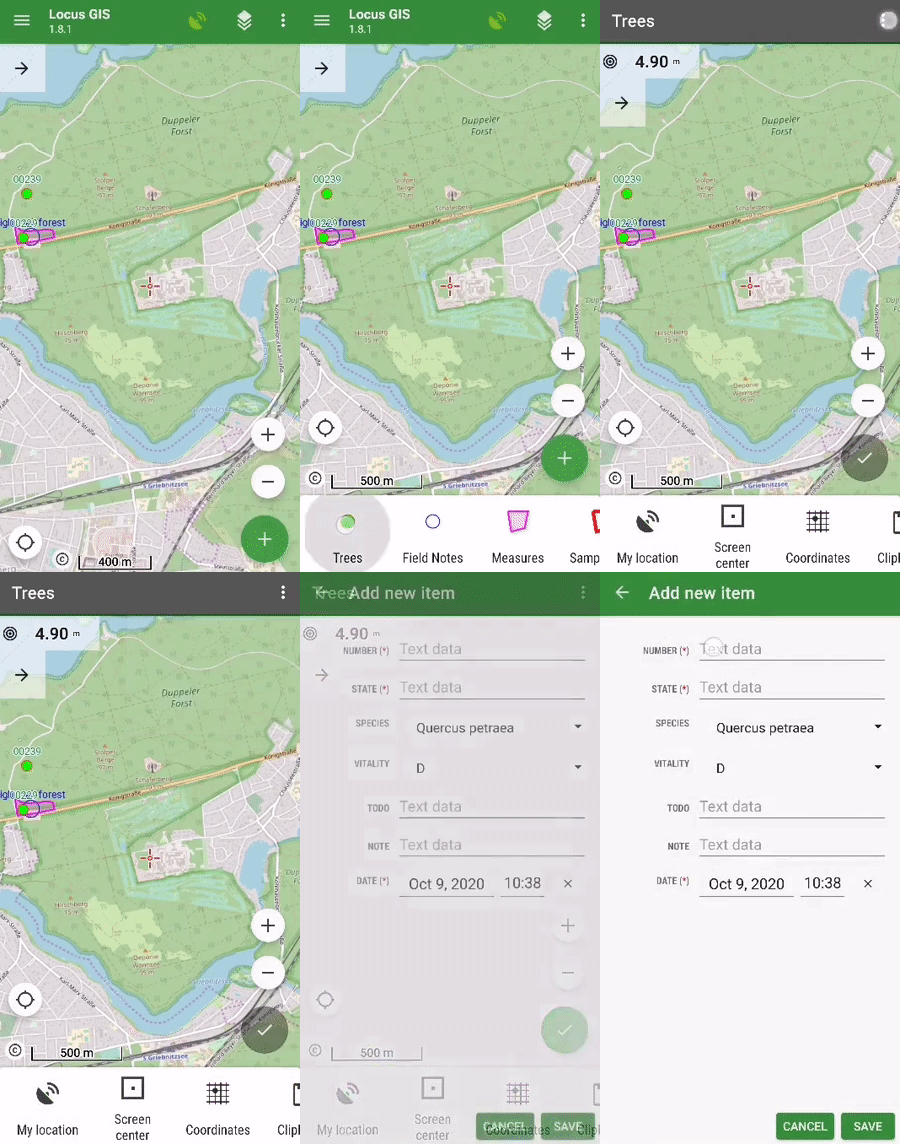
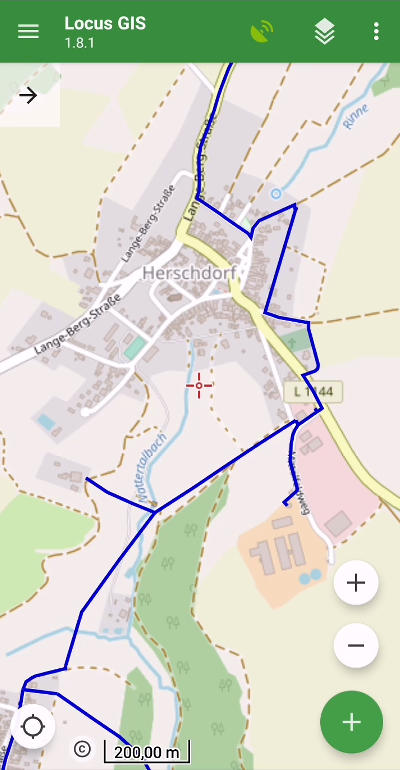
- for better orientation in the field, you can display the “direction of view“, ie a graphical representation of the rotation of your device. The function uses data from the hardware compass and other position sensors of the phone or tablet (you can find it in the map settings > auxiliary graphics).
Advanced styling options
Many projects contain a number of types of data objects, which implies the need to properly distinguish these objects on the map. Styling is used for this – setting graphic parameters of lines, points, and polygons. The new version of the application brings additional options for defining styles:
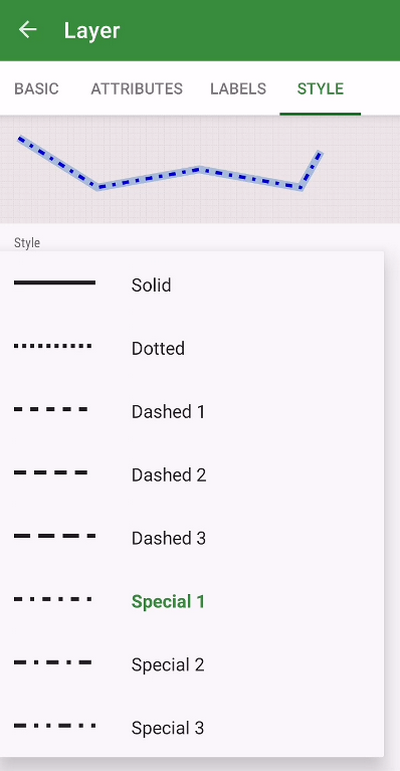
- you can now set different types of polygon lines or contours
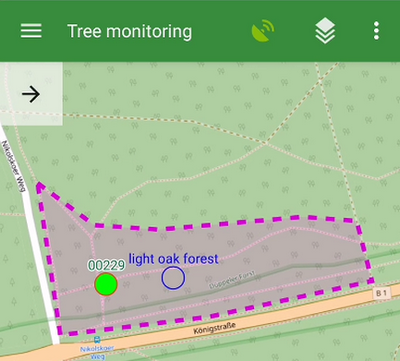
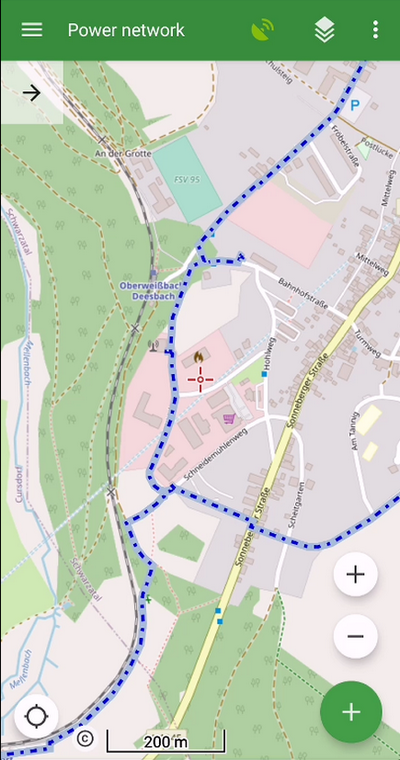
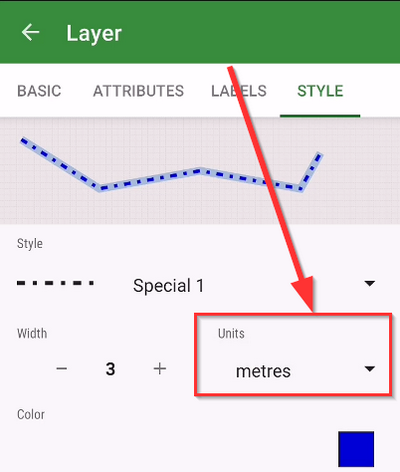
- a useful novelty is the ability to define the size of the symbol and the thickness of the lines in meters. The style can thus correspond to the actual size of the object in the terrain
We hope that these improvements will be useful for your work. We look forward to your opinions and comments.


